 Robomori
Code in any editor. See it on your Android.
Keep focus mode next to Ghostty, VS Code or Zed. Talk to your agent or write the code yourself, and see each change on your emulator or phone seconds later.
Phones, foldables, watches, TVs and your own Android devices in one desktop app. Switch dark theme, font size, language and location in a click.
Available for Mac, Windows and Linux
Works with any Android app, whatever you build it with


Keep focus mode next to Ghostty, VS Code or Zed. Talk to your agent or write the code yourself, and see each change on your emulator or phone seconds later.
Quickly recreate scenarios like “It doesn’t work in German, while in Brazil, with the phone in dark mode and TalkBack on.” Save the setup as a preset and replay it on any emulator or your own phone.
Phones, tablets, foldables, watches and TVs. Pick a device and an Android version. Robomori downloads the system image and boots the emulator for you.
Fold and unfold foldables. Rotate phones and tablets. Press the crown on a watch. Navigate your TV app with a remote.
Emulators don't catch everything. Plug in your phone over USB, or pair it over Wi-Fi by scanning a QR code, and use it from your desktop.

Capture the screen or record a video from the toolbar. Files land on your Desktop, ready for a bug report, a pull request or a demo.
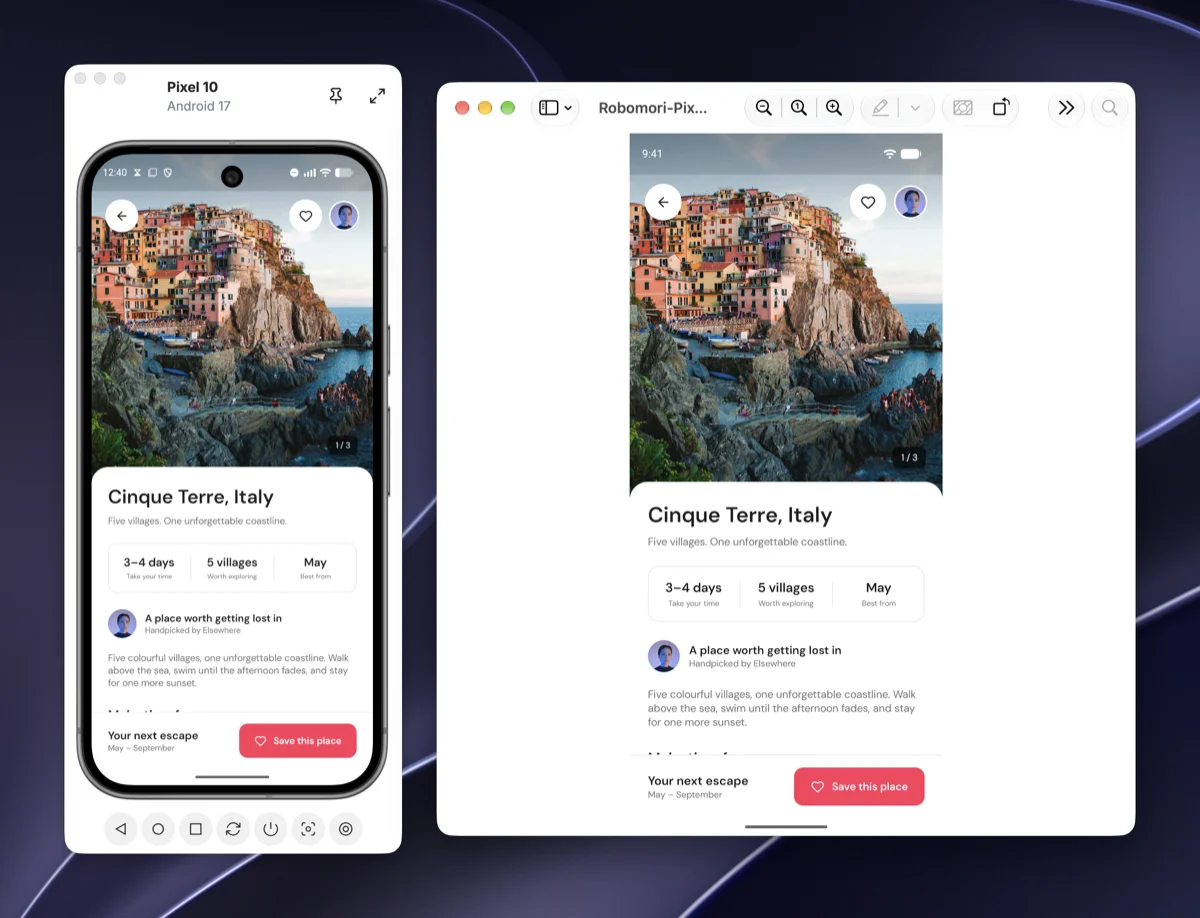
Focus mode shrinks Robomori down to the device, so it fits beside your editor while you work.
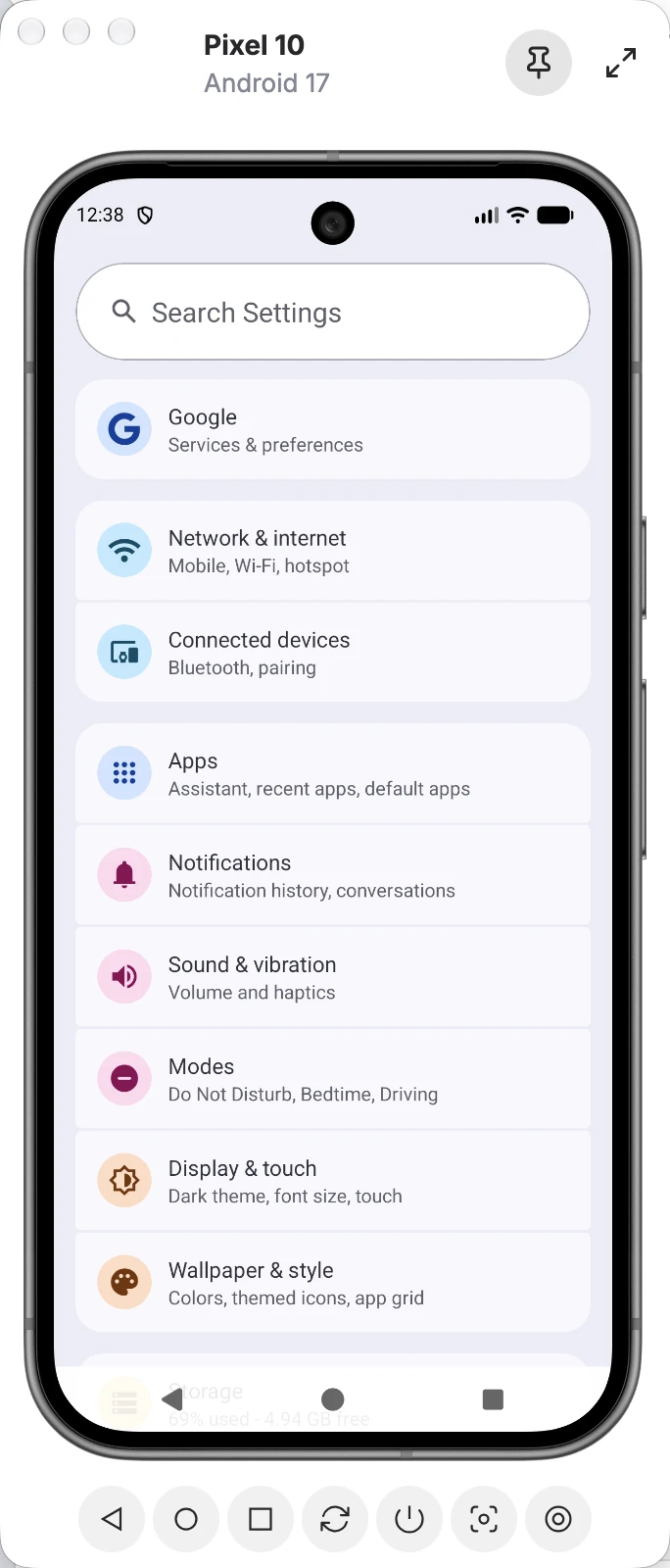
Robomori works with the Android SDK you already have. Use it alongside VS Code, Zed or any editor.
The same app on every desktop your team uses.
A one-time purchase with a year of updates. No subscription.
Duplicate, rename, wipe or cold boot emulators, or start and stop several at once.
Download it for Mac, Windows or Linux.
 by @alexstyl
